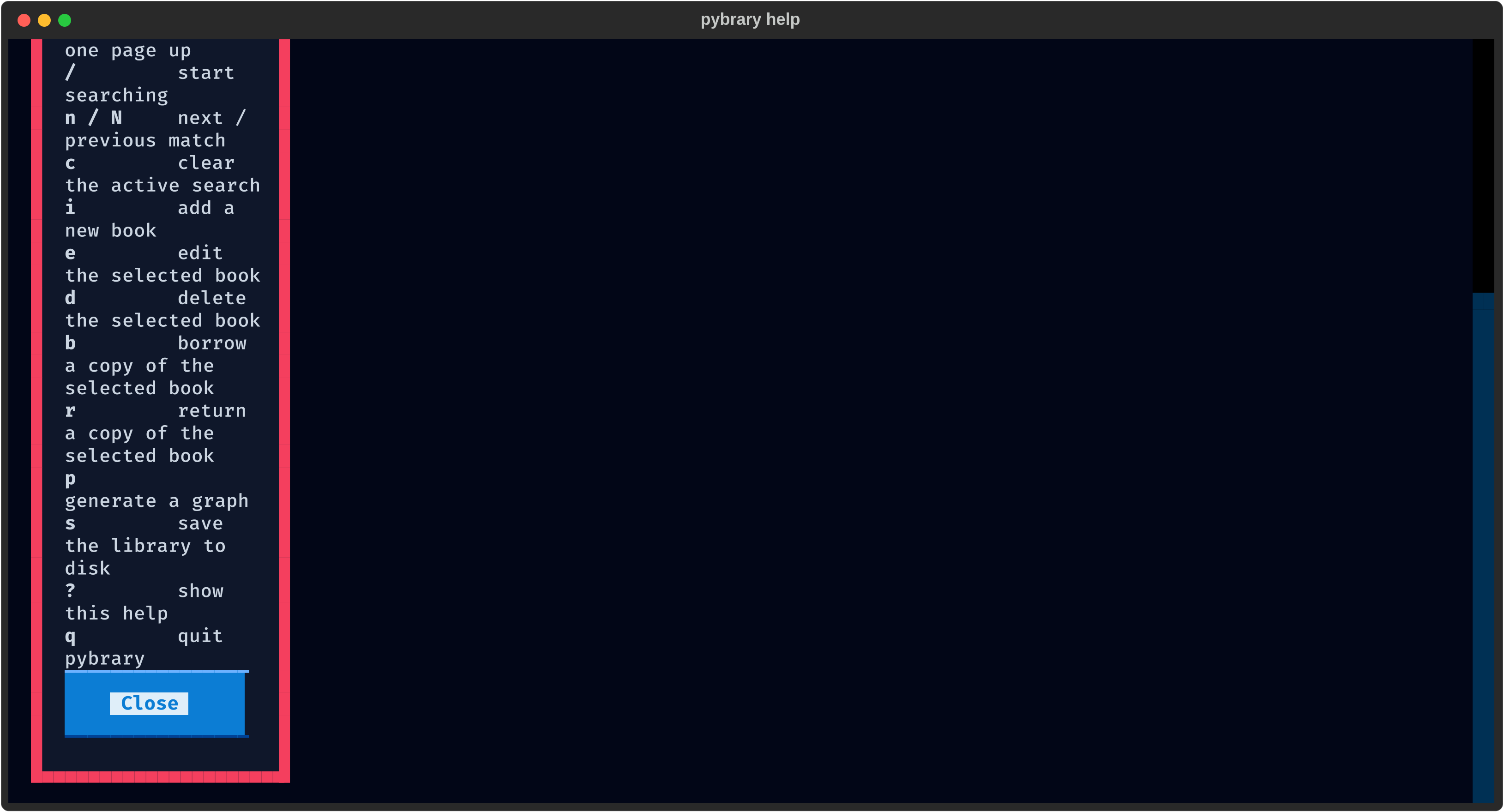
Key bindings
pybrary follows Vim conventions. Navigation and actions are one key away and the reference dialog is always available with ?.
Navigation
| Key | Action |
j / k | Move selection down / up |
gg / G | Jump to first / last row |
ctrl+d / ctrl+u | Scroll half page down / up |
ctrl+f / ctrl+b | Scroll one page down / up |
Search
| Key | Action |
/ | Start a live search |
n / N | Next / previous match |
c | Clear the active search |
Esc | Clear the search and refocus the table |
Catalogue actions
| Key | Action |
i | Add a new book |
e | Edit the selected book |
d | Delete the selected book |
b | Borrow a copy |
r | Return a copy |
p | Generate a graph |
s | Save the library to disk |
Global
| Key | Action |
? | Show this reference |
q | Quit (auto-saves) |
The key reference dialog in action: